في هذه الصفحة
تنسيق النص
نص عريض
لجعل النص عريضًا، ضع ** أو __ حول الكلمة أو العبارة:
مثال: هذا النص عريض أو هذا النص عريض
نص مائل
لجعل النص مائلًا، ضع * أو _ حول الكلمة أو العبارة:
مثال: هذا النص مائل أو هذا النص مائل
نص مسطّر
لوضع خط تحت النص، استخدم وسوم HTML <u>:
مثال:
<u>هذا النص مسطّر</u>
النتيجة:
هذا النص مسطّرنص مشطوب
لشطب النص، ضع ~~ حول الكلمة أو العبارة:
مثال: هذا النص مشطوب
الزر
// This button has creative-fill hover animation

<Button
  hoverEffect="creative-fill"
  label="Creative Fill"
  url="/"
/>

// This button has magnetic hover animation

<Button hoverEffect="magnetic" label="Magnetic" url="/" />

// This button has text-flip hover animation

<Button hoverEffect="text-flip" label="Text Flip" url="/" />

// This button combines the magnetic and text-flip hover animations

<Button
  hoverEffect="magnetic-text-flip"
  label="Magnetic With Text Flip"
  url="/"
/>
<Button
  variant="circle"
  hoverEffect="magnetic-text-flip"
  label="Magnetic With Text Flip"
  url="/"
/>
لهذا الزر حركة creative-fill عند التمرير فوقه
Creative Fillلهذا الزر حركة magnetic عند التمرير فوقه
Magneticلهذا الزر حركة text-flip عند التمرير فوقه
Text Flipيجمع هذا الزر بين حركتي magnetic وtext-flip عند التمرير فوقه
Magnetic With Text Flipأنواع الأزرار
اختر الشكل عبر variant: fill (الافتراضي)، أو outline، أو fill-white، أو text، أو circle.
<Button variant="circle" label="Example Button" url="/" />
<Button label="Example Button" url="/" />
<Button variant="outline" label="Example Button" url="/" />
<Button
  variant="outline"
  label="With External Link"
  url="https://astro.build"
/>
<Button variant="text" label="Example Button" url="/" />الأكورديون
<Accordion label="Example Accordion Label 01" group="accordion-01" expanded="true">

Every project starts with a short call and a written brief. Pick the scope that fits the work.

- **Identity**: Logo, type, and colour, with a short guide for the people who use them.
- **Packaging**: Labels, boxes, and tape for small runs, with print files checked against your printer's specs.
- **Art direction**: A shot list, set styling, and a day on set with the photographer.

</Accordion>

<Accordion label="Example Accordion Label 02" group="accordion-01" expanded="false">

Every project starts with a short call and a written brief. Pick the scope that fits the work.

- **Identity**: Logo, type, and colour, with a short guide for the people who use them.
- **Packaging**: Labels, boxes, and tape for small runs, with print files checked against your printer's specs.
- **Art direction**: A shot list, set styling, and a day on set with the photographer.

</Accordion>

---

<Accordion label="Example Accordion Label 03" group="accordion-01" expanded="false">

Every project starts with a short call and a written brief. Pick the scope that fits the work.

- **Identity**: Logo, type, and colour, with a short guide for the people who use them.
- **Packaging**: Labels, boxes, and tape for small runs, with print files checked against your printer's specs.
- **Art direction**: A shot list, set styling, and a day on set with the photographer.

</Accordion>يبدأ كل مشروع بمكالمة قصيرة وموجز مشروع مكتوب. اختر النطاق الذي يناسب العمل.
- الهوية: الشعار والخط والألوان، مع دليل قصير لمن يستخدمونها.
- التغليف: ملصقات وعلب وأشرطة للدفعات الصغيرة، مع ملفات طباعة مطابقة لمواصفات مطبعتك.
- الإدارة الفنية: قائمة لقطات، وتنسيق المشهد، ويوم تصوير مع المصوّر.
التبويبات
<Tabs>
  <Tab name="Overview">
    **What do I work on?** Identities, packaging, print, and art direction for
    small makers. Pick a tab to see how a project runs. - Discovery - Design -
    Hand-off
  </Tab>

  <Tab name="Discovery">
    **Discovery: Start where the work is made** I spend time with the product
    before I draw anything. You get: - A written brief - A reference board - A
    list of every place the brand appears
  </Tab>
</Tabs>على ماذا أعمل؟
الهويات البصرية والتغليف والطباعة والإدارة الفنية لصغار الصنّاع. اختر تبويبًا لترى كيف يسير المشروع.
- الاستكشاف
- التصميم
- التسليم
فيديو YouTube
<VideoInline src="rFVpSwgCkCo" provider="youtube" />فيديو مخصّص
<VideoInline
  src="/videos/test-video.mp4"
  provider="html5"
  poster="/images/home/studio-reel.jpg"
/>
التنبيه
استخدم التنبيه لإبراز ملاحظة أو نصيحة أو تحذير أو خطر خارج النص. قيمة type هي note (الافتراضية)، أو tip، أو warning، أو danger. ومن دون title يظهر اسم النوع.
<Callout type="note">
  A project card takes its cover from the `image` field in the project frontmatter.
</Callout>

<Callout type="tip" title="Check proofs at real size">
  Print a page at 100% before you sign off. Type that reads well on screen can be too small on a label.
</Callout>

<Callout type="warning">
  Colours print duller on uncoated paper than they look on screen. Ask for a printed proof before the full run.
</Callout>

<Callout type="danger" title="Before the plates are made">
  After this point every change costs a new set of plates. Check names, prices, and barcodes on the final proof.
</Callout>
ملاحظة
تأخذ بطاقة المشروع صورة غلافها من الحقل image في الواجهة الأمامية (frontmatter) للمشروع.
راجع البروفات بالحجم الحقيقي
اطبع صفحة بنسبة 100% قبل الاعتماد. فالخط الذي يُقرأ جيدًا على الشاشة قد يكون صغيرًا جدًا على الملصق.
تنبيه
تُطبع الألوان على الورق غير المطلي أبهت مما تبدو على الشاشة. اطلب بروفة مطبوعة قبل الطباعة الكاملة.
قبل تجهيز ألواح الطباعة
بعد هذه المرحلة، يكلّف كل تغيير مجموعة جديدة من الألواح. راجع الأسماء والأسعار والباركود في البروفة النهائية.
لا يزال <Notice> يعمل ويعرض التنبيه نفسه: info ← note، وsuccess ← tip، وwarning ← warning، وerror ← danger.
الخطوات
ضع العناوين داخل <Steps> لترقيمها. يبدأ كل عنوان ## أو ### خطوة، وكل ما تحته ينتمي إلى تلك الخطوة.
<Steps>

### Install the dependencies

```bash
npm install
```

### Run the site locally

Run `npm run dev` and open the local address it prints. Pages reload as you edit files in `src/content/`.

### Build the site

Run `npm run build`. The finished site is written to `dist/`, ready to upload to any static host.

</Steps>
ثبّت الحزم المطلوبة
npm installشغّل الموقع محليًا
شغّل npm run dev وافتح العنوان المحلي الذي يظهر. تُعاد تحميل الصفحات كلما عدّلت ملفات في src/content/.
ابنِ الموقع
شغّل npm run build. يُكتب الموقع النهائي في dist/، جاهزًا للرفع إلى أي استضافة ثابتة.
شجرة الملفات
اكتب قائمة متداخلة داخل <FileTree>. الاسم الذي ينتهي بـ / (أو الذي تتفرع منه عناصر) مجلد، والخط العريض يُبرز عنصرًا، والنص بعد الاسم تعليق.
<FileTree>

- src/
  - config/
    - config.toml site settings
  - content/
    - projects/
      - english/
        - **ceramic-forms.md** one case study
      - french/
- package.json

</FileTree>- src/
- config/
- config.tomlإعدادات الموقع
- content/
- projects/
- english/
- ceramic-forms.mdدراسة حالة واحدة
- french/
- english/
- projects/
- config/
- package.json
مفاتيح لوحة المفاتيح
Press <Kbd>⌘</Kbd> <Kbd>K</Kbd> to open search, or <Kbd keys={["Ctrl", "K"]} /> on Windows and Linux.اضغط ⌘ K لفتح البحث، أو CtrlK على Windows وLinux.
الاقتباس
لإنشاء اقتباس، ابدأ السطر بـ >:
مثال:
أحتفظ بدفتر لكل طلاء وورق وبروفة من كل مشروع.
وغالبًا ما يكون جواب موجز المشروع التالي فيه بالفعل.Hugo Merrin
الشيفرة
لتنسيق الشيفرة داخل السطر، استخدم علامات الاقتباس المائلة (`):
مثال: هذه شيفرة داخل السطر
ولكتل الشيفرة متعددة الأسطر، استخدم ثلاث علامات اقتباس مائلة (```):
مثال:
---
import type { z } from "astro/zod";
import config from ".astro/config.generated.json";
import SectionIntro from "@/components/widgets/SectionIntro.astro";
import SubscriptionForm from "@/components/widgets/SubscriptionForm.astro";
import { getEntryCTM } from "@/lib/contentParser.astro";
import overrideObjects from "@/lib/utils/overrideObjects.ts";
import type { newsletterSectionSchema } from "@/sections.schema";

export type NewsletterSection = z.infer<typeof newsletterSectionSchema>;

type Props = {
  content?: Partial<NewsletterSection>;
};

const defaultContent = (
  await getEntryCTM("sections", "newsletter-section", Astro.currentLocale)
)?.data as NewsletterSection;

const {
  enable = true,
  eyebrow,
  title,
  description,
  note,
} = overrideObjects(
  { ...defaultContent },
  Astro.props.content,
) as NewsletterSection;

// The form posts to `[settings.subscription]` in config.toml
const { subscription } = config.settings;

if (!enable || !subscription?.enable) return;
---

<section class="newsletter-section">
  <div class="frame">
    <div
      class="flex flex-col gap-8 lg:flex-row lg:items-end lg:justify-between">
      <SectionIntro eyebrow={eyebrow} title={title} description={description} />
      <div class="w-full lg:max-w-md" data-reveal="up">
        <SubscriptionForm
          id="newsletter"
          enable={true}
          layout="inline"
          formAction={subscription.formAction}
          mailchimpTagValue={subscription.mailchimpTagValue}
          note={note}
        />
      </div>
    </div>
  </div>
</section>
أضف title إلى السياج لتسمية الكتلة:
---
title: "Marrow Kiln"
description: "A label system for a small ceramics studio whose glazes change with every firing."
client: "Marrow Kiln"
year: "2025"
services: ["Brand identity", "Packaging"]
image: "/images/projects/ceramic-forms/cover.jpg"
---
تبويبات الشيفرة
ضع كتل الشيفرة داخل <CodeTabs> لعرض البدائل، مثل مديري الحزم. يُحفظ التبويب المختار عبر الكتل والصفحات.
<CodeTabs>

```bash title="npm"
npm install
```

```bash title="pnpm"
pnpm install
```

</CodeTabs>
npm installpnpm installyarn installbun installnpm run buildpnpm run buildyarn run buildbun run buildالخط الأفقي
لإنشاء خط أفقي، استخدم ثلاث شرطات أو أكثر (---)، أو نجمات (***)، أو شرطات سفلية (___) في سطر جديد:
مثال:
العناوين
أنشئ العناوين بإضافة رموز # قبل النص. وأضف أصنافًا مخصّصة بين قوسين معقوفين [.class-name].
مثال:
# Heading 1 [.custom-class .mt-0! .another-class]
## Heading 2 [.custom-class .mt-0! .another-class4]
### Heading 3 [.custom-class .mt-0! .another-class]
#### Heading 4 [.custom-class .mt-0! .another-class]
##### Heading 5 [.custom-class .mt-0! .another-class]
###### Heading 6 [.custom-class .mt-0! .another-class]
الجدول
أنشئ الجداول باستخدام الخطوط العمودية (|) والشرطات (-):
مثال:
| العميل | المشروع | الخدمات |
|---|---|---|
| Marrow Kiln | نظام الملصقات | الهوية، التغليف |
| Werrin Paper | نظام الأظرف | الطباعة |
الصور
صورة محلية 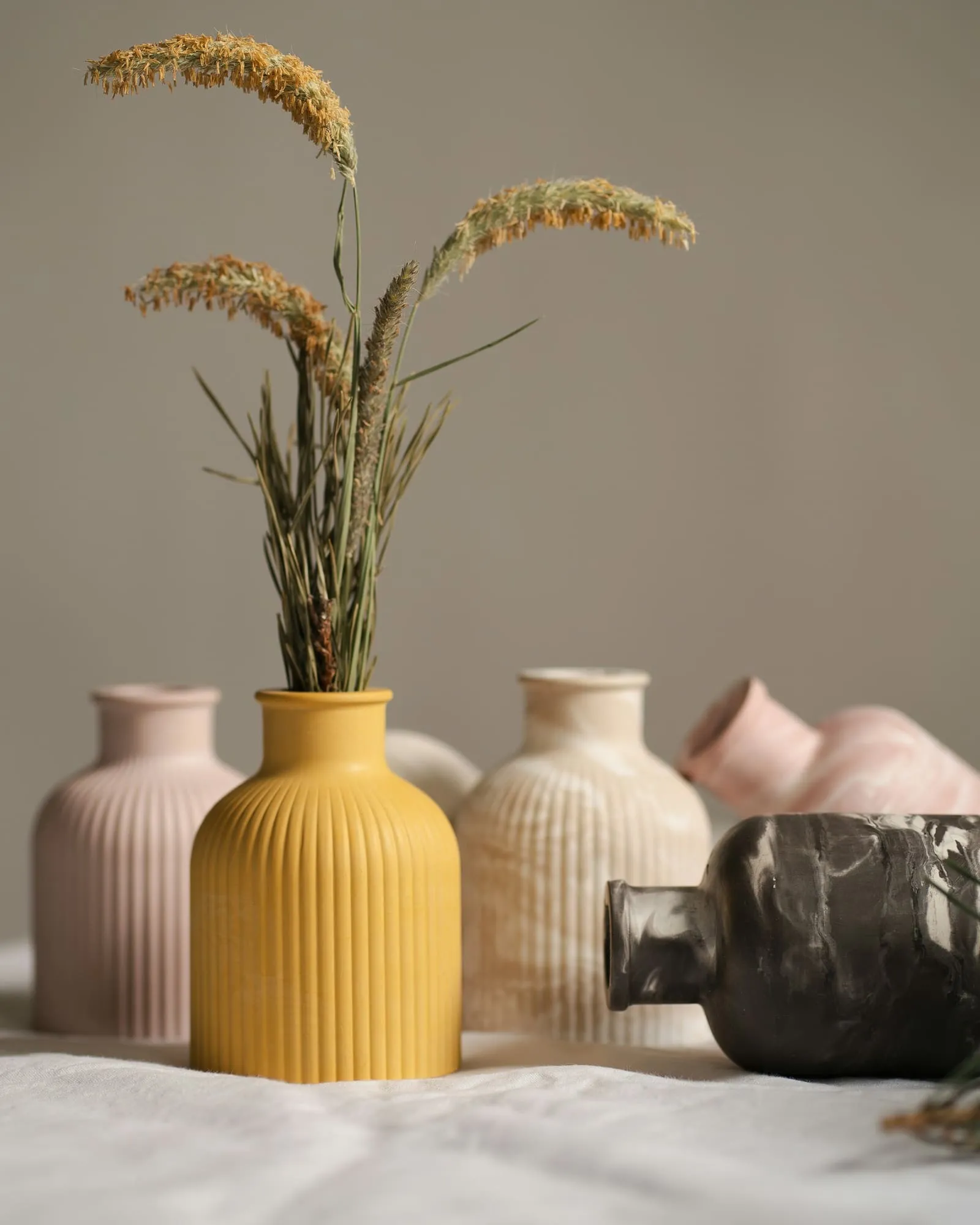
المكوّنات
قائمة منسّقة
<ListCheck>

- **One label per colour**: Every new product needed its own label, so it took a week to reach the shelf.
- **A mark that filled in**: The old logo lost its detail on stamps, tape, and swing tags.
- **Files in one inbox**: Print files lived with one person, so every reorder waited for them.

</ListCheck>- ملصق لكل لون: كان كل منتج جديد يحتاج إلى ملصق خاص به، فيستغرق أسبوعًا ليصل إلى الرف.
- شعار تنطمس تفاصيله: كان الشعار القديم يفقد تفاصيله على الأختام والأشرطة وبطاقات التعليق.
- ملفات في صندوق بريد واحد: كانت ملفات الطباعة لدى شخص واحد، فينتظره كل طلب إعادة.
بطاقة معلومات
<CardWrapper>
  <Card
    title="Brand identity"
    description="Logo, type, and colour, with a short guide for the people who use them every day."
    icon="PenTool"
    buttonLabel="Start a project"
    buttonUrl="/contact/"
  />
  <Card
    title="Packaging"
    description="Labels, boxes, and tape for small runs, with print files checked before they go to press."
    icon="Package"
    buttonLabel="Start a project"
    buttonUrl="/contact/"
  />
</CardWrapper>التغليف
ملصقات وعلب وأشرطة للدفعات الصغيرة، مع ملفات طباعة تُراجع قبل إرسالها إلى المطبعة.
قائمة صور مع فيديو
<ImageList>
  <ImageItem
    imageSrc="/images/projects/ceramic-forms/gallery-1.jpg"
    imageAlt="Ten stacked ring-shaped vessels in mustard, blue, blush, sage, and white glazes in a row on linen."
    videoSrc="rFVpSwgCkCo"
  />
  <ImageItem
    imageSrc="/images/projects/envelope-system/gallery-1.jpg"
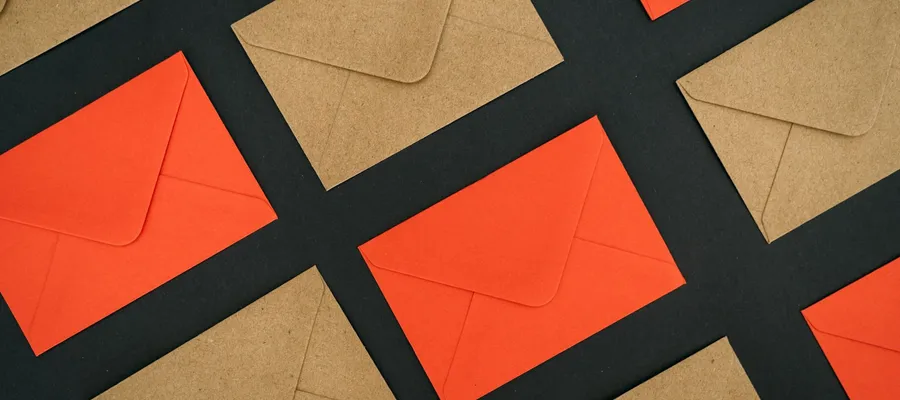
    imageAlt="Kraft and vermilion envelopes arranged on the diagonal in a tight grid on black."
    videoSrc="/videos/test-video.mp4"
    videoProvider="html5"
  />
  <ImageItem
    width="1/2"
    imageSrc="/images/projects/colour-fan/gallery-1.jpg"
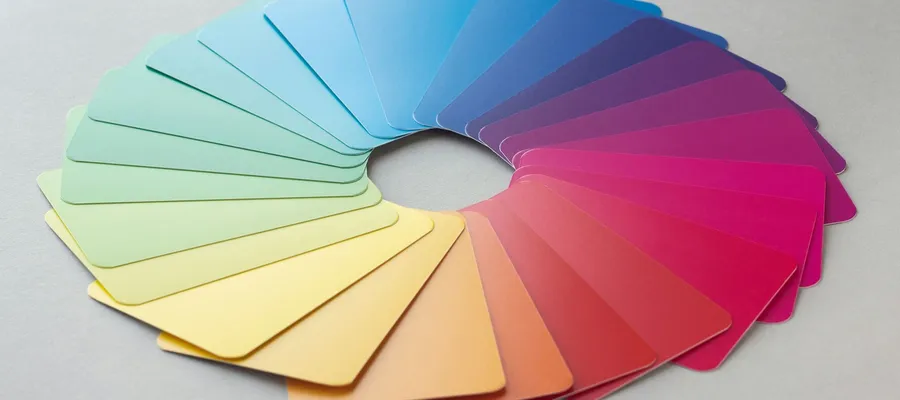
    imageAlt="Pastel swatch cards fanned into a ring on a white surface, running from yellow through blue to pink."
  />
  <ImageItem
    width="1/2"
    imageSrc="/images/projects/screen-print/gallery-1.jpg"
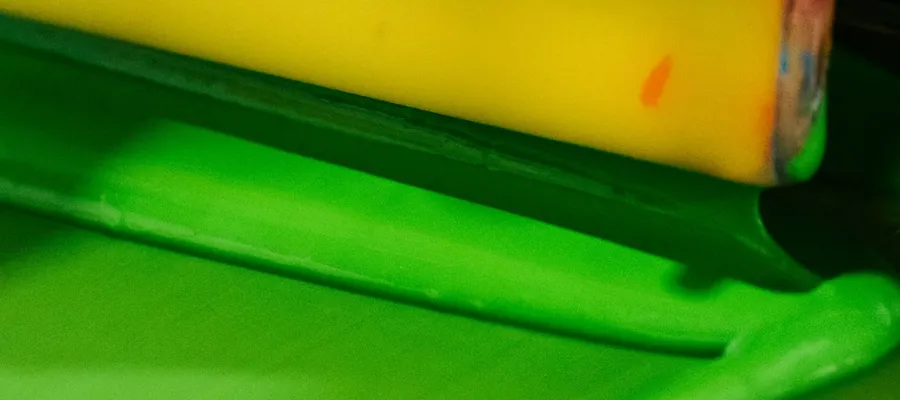
    imageAlt="A yellow squeegee pushing bright green ink across a screen, seen up close."
  />
</ImageList>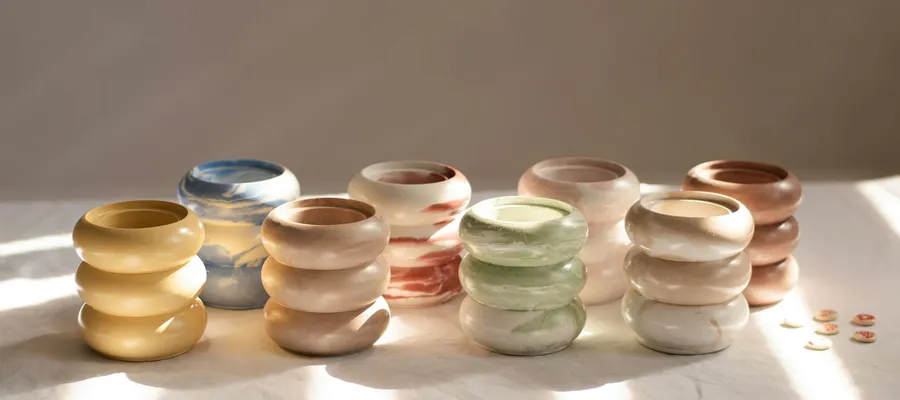
رأي عميل
تُنشئ الشيفرة التالية رأي العميل المعروض أدناه.
<Testimonial
  customerImage="/images/people/client-1.jpg"
  customerName="Joel Ashcombe"
  customerRole="Founder"
  customerCompanyLogo="/images/logos/marrow-kiln.svg"
  customerCompanyName="Marrow Kiln"
>
  Hugo spent a morning in the kiln room before he drew anything. The labels
  read like our glaze notebook, and our stockists noticed straight away.
</Testimonial>
أمضى Hugo صباحًا في غرفة الفرن قبل أن يرسم أي شيء. جاءت الملصقات كأنها دفتر ملاحظات الطلاءات لدينا، ولاحظ ذلك موزّعونا على الفور.

المؤسس


